
ctXplorer
AI File Explorer
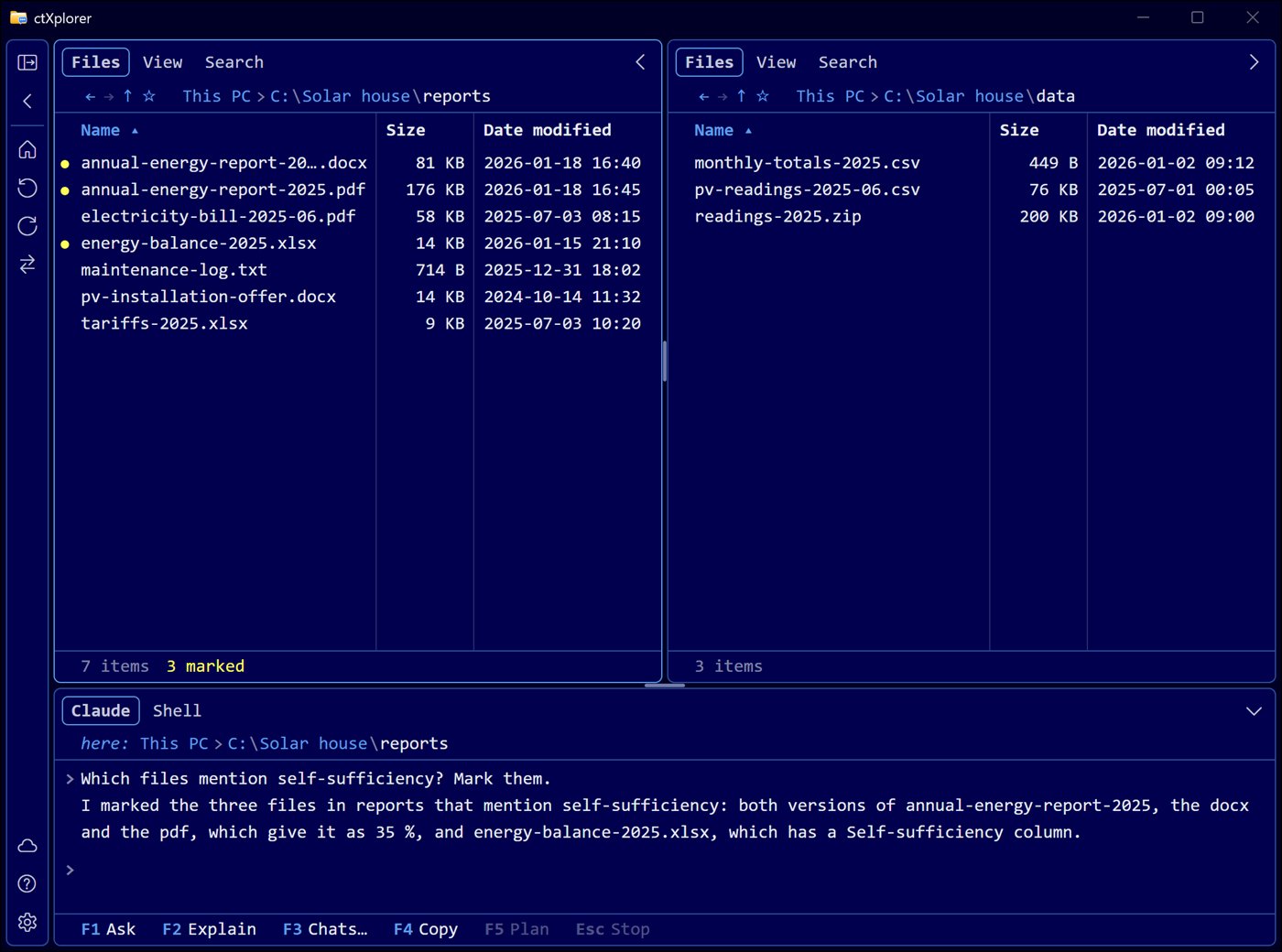
A file explorer for Windows, assisted by AI. Two panels show your folders and files; the third is a chat with Claude Code or Codex – with your own account – that sees what the panels show and what you select. The AI is a choice, not a need: with No AI, ctXplorer is a complete file explorer.
Free · ctXplorer-1.0.0-setup.exe · 37 MB · Windows 10 and 11, 64-bit
What sets it apart from a classic explorer
An AI assistant in the window
Claude Code or Codex, with your own account, sees what the panels show and what you select. It marks, selects, opens, sorts and explains files.
Nothing changes without your OK
A change to a file’s text is suggested first, every operation on the disk asks in a dialog, and system folders are protected.
Two panels side by side
Copy and move from one to the other; the panels collapse, rotate and swap.
Opens files without Office
Edits Word, Excel with its formulas, CSV as a table, Markdown and code in over a hundred languages; shows pictures and PDF.
Firmware images
Intel HEX, S-record, TI-TXT, binary and ELF shown as memory and edited byte by byte, with the checksums written back.
Search inside files
By name or content, Word, Excel and PDF too.
PowerShell in the window
Commands run in the panel’s folder, and the AI writes a command from your words.
Share by link
Files online for a day or 7 days, with a download limit, a password and a QR code; the account needs no password and no email.
The AI, through MCP
Claude Code from Anthropic or Codex from OpenAI runs as a program of its own, installed on your PC and signed in with your account. ctXplorer starts it and gives it tools through MCP, the Model Context Protocol – read the panels and the files, mark, select, open, prepare an operation – and the AI works only through them: its own tools for the disk, commands and the web are off.
It is kept apart from any Claude Code or Codex you use yourself: it runs with none of their settings and keeps no conversation on the disk.
What you need
- Windows 10 or 11, 64-bit.
- Microsoft Edge WebView2 – Windows 11 has it; the installer brings it when it is missing.
- For the AI only: Claude Code or Codex, installed, with your own account and plan.
- Nothing else: no Office.
User manual
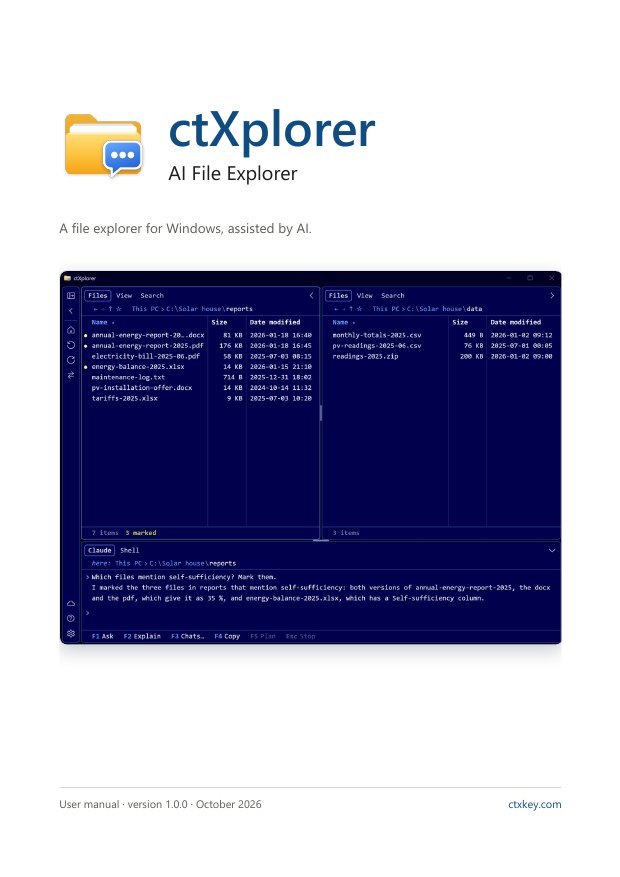
Everything the window does, chapter by chapter, with pictures: for whoever opens ctXplorer for the first time, and for whoever wants to know what a key or a menu does. 36 pages, A4, in English.
- What ctXplorer is
- Getting started
- The window
- The Sidebar
- Files
- View: text and code
- View: firmware images
- View: Word
- View: Excel
- View: pictures and PDF
- Search
- Working with the AI
- Shell
- Online and Share
- Settings
- Help and About
Appendices: A · Keys at a glance, B · The AI interface, with the whole text the AI starts with.
Download
EXE ctXplorer-1.0.0-setup.exeInstaller · 37 MB · for your account, no administrator needed DownloadSHA-2564BBBCB59BA478CB1BE00F945BA95096ECD50DDC7CF657F37516B53948F9A781F
What’s new in 1.0.0
The first release.